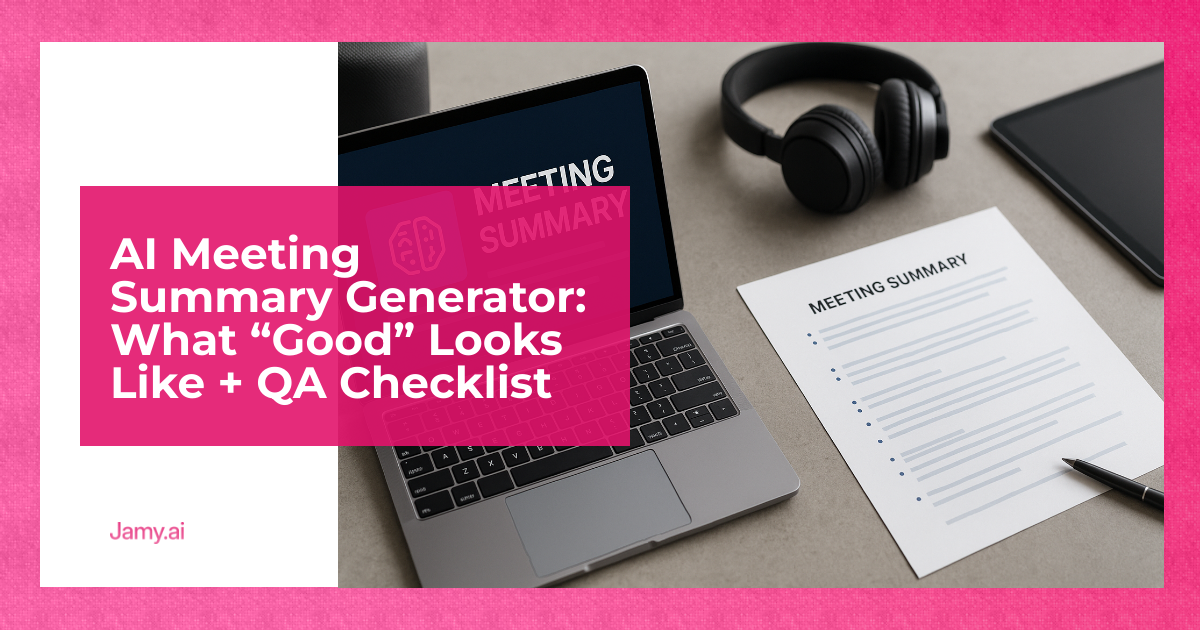

If you’ve tried a meeting summary generator, you’ve probably seen both extremes: either a neat paragraph that misses the point, or pages of transcript dressed up as ‘notes’. Neither helps an operator make decisions, ship work or keep a CRM clean. ‘Good’ summaries are less about pretty writing and more about accountability: what was decided, who owns what, by when and what might block it. This article sets a standard you can actually enforce.
In this article, we’re going to discuss how to:
- Set a practical definition of a good meeting summary.
- Quality-check summaries with a repeatable QA checklist.
- Run a simple workflow that turns call outcomes into owned actions.
Key Takeaways
- A good summary is decision-grade: it captures outcomes, owners, deadlines and risks, not just themes.
- QA beats guesswork: a short checklist catches the usual errors (ownership, dates, numbers, names, false certainty).
- Keep a human review point: treat AI output as a draft, then publish a ‘source of truth’ back to the team.
What A Meeting Summary Generator Is (And Isn’t)
A meeting summary generator is software that turns a conversation into a structured recap, usually using automatic speech recognition (ASR) plus a language model to compress it. The useful bit is not the transcript, it’s the extraction: decisions, tasks, next steps, risks and context.
It isn’t a substitute for thinking. It also isn’t evidence that something was agreed, especially if the recording is incomplete, speakers talk over each other or the model fills gaps with plausible-sounding text. Treat outputs as drafts until someone accountable reviews and publishes them.
What “Good” Looks Like In A Meeting Summary Generator
If you’re using a meeting summary generator for sales, delivery, hiring or internal ops, ‘good’ should mean: the summary can be used to run the next step without rewatching the call. That’s a high bar, and it’s the right one.
Use this operator definition:
- Outcome-first: the first lines state what changed, what was agreed or what was not decided.
- Actionable: every next step has an owner and a deadline (or a clear ‘by end of week’ type timeframe).
- Truthful about uncertainty: it separates facts from assumptions and open questions.
- Traceable: key numbers, names, dates and terms are correct, and quotes are used only when needed.
- Context-light: enough background to understand the decisions, but no play-by-play.
Here’s what that looks like in practice:
Decision: We will run a 2-week pilot with Team A starting 4 March, with success measured by time-to-first-response under 2 hours.
Actions: Priya to send pilot plan by 27 Feb. Dan to confirm legal sign-off by 29 Feb. Alex to set up reporting dashboard by 1 March.
Risks: Data access depends on SSO approval. If delayed, pilot start shifts to week of 11 March.
Open questions: Who will own onboarding content for the pilot users?
If your summaries don’t look like that, you don’t have a meeting summary generator problem. You have a standard problem.
The QA Checklist (Copy/Paste)
Use this checklist to grade any AI-generated summary before it goes into your CRM, project tracker or hiring file. It takes 2 to 4 minutes and prevents a lot of downstream confusion.
1) Outcomes And Decisions
- Are decisions clearly labelled (and not mixed with opinions)?
- Does it state what is not decided, if relevant?
- Are success metrics written as numbers, not vague words?
2) Actions, Owners, Deadlines
- Every action has a named owner (not ‘we’ or ‘the team’).
- Every action has a date or timeframe.
- Actions are sized correctly: no ‘do everything’ tasks.
3) Accuracy Checks (The Stuff AI Gets Wrong)
- Names and company terms are correct (especially unusual spellings).
- Numbers match what was said (prices, headcount, dates, KPIs).
- It doesn’t invent certainty: phrases like ‘they will’ are backed by an explicit commitment.
4) Scope And Noise
- No transcript dump: remove filler and repetition.
- Only include context that helps the next step.
- Anything sensitive is handled appropriately (see compliance notes below).
5) Format For The Destination
- For CRM: stages, key pains, next meeting date, stakeholders and risks are captured.
- For delivery: dependencies and acceptance criteria are explicit.
- For hiring: scorecard signals are separated from ‘nice chat’ content.
A Practical Workflow That Makes Summaries Useful
The summary isn’t the output. The output is better decisions and fewer status meetings. Here’s a workflow that works across sales, delivery and hiring.
- Before the call, set a template. Decide the headings you want every time: Decisions, Actions, Risks, Open questions. Consistency beats cleverness.
- After the call, generate the draft. If you’re using Jamy, you can start from an AI meeting notes workflow that produces structured notes and action items rather than a generic paragraph.
- Do a 3-minute human pass. Run the QA checklist above. Fix names, numbers, owners and dates. Delete noise.
- Publish one ‘source of truth’. Post the final summary where the team works (CRM record, project ticket, hiring scorecard). Don’t scatter it across chat threads.
- Follow-up is automatic, but owned. Send actions to the right place, and make sure each item has a person responsible for closing the loop.
If you operate across regions, add a language step: confirm that translated summaries keep the same commitments and dates. Tools that support multilingual meeting summaries reduce rework, but still require a reviewer who understands the context.
Compliance And Recording: Keep It Simple
Recording and transcribing calls can raise legal and policy questions. In the UK and EU, the general expectation is transparency about recording and a lawful basis for processing personal data. The UK Information Commissioner’s Office provides guidance on lawful bases and transparency under UK GDPR and the Data Protection Act 2018: ICO lawful basis guidance and ICO transparency guidance.
Information only: this is general guidance, not legal advice. If you operate in regulated sectors or across multiple countries, get your policy checked.
Operator rule of thumb: say you’re recording, say why, say where notes will be stored, and don’t keep recordings longer than you need.
Buying Criteria: How To Judge A Meeting Summary Generator
Don’t buy based on a demo summary. Buy based on whether it can consistently produce decision-grade outputs in your real meetings.
- Structure control: Can you enforce your headings and formats, not just ‘a summary’?
- Action extraction: Does it reliably capture owners and deadlines, or does it default to vague next steps?
- Edit and approval flow: Can a human quickly review, correct and publish?
- Search and traceability: Can you find ‘what was agreed’ weeks later without rewatching video?
- Language support: If you’re global, can it handle accents and multiple languages, and can you review the output easily?
- Data handling: Where is data stored, who can access it, and what retention controls exist?
Finally, test it on your hardest calls: noisy audio, multiple speakers, technical vocabulary and strong opinions. If it performs there, it’ll perform on everything else.
Conclusion
A meeting summary generator is only as good as the standard you hold it to. Define ‘good’ as decision-grade, then enforce it with a short QA pass and a consistent publishing workflow. You’ll save time, but more importantly you’ll stop losing commitments in chat threads and half-remembered conversations.
Key Takeaways
- Good summaries state outcomes first, then actions with owners and deadlines.
- A short QA checklist prevents the common errors that cause rework.
- Publish one reviewed summary back into the systems your team actually uses.
A Practical Next Step With Jamy
If you want a low-drama way to trial this approach, use Jamy to generate a draft, run the QA checklist, then publish a clean summary back to your team.
FAQs For Meeting Summary Generators
How accurate is a meeting summary generator in real meetings?
It depends mostly on audio quality, speaker overlap and domain terms. Assume it will miss or distort some details, then design your workflow so a human checks names, numbers, owners and dates.
Should the summary include a full transcript?
Usually no, because it creates noise and slows review. Keep the transcript as reference if needed, but publish a short decision-grade summary as the working record.
What’s the minimum structure a summary should have?
At minimum: Decisions, Actions (with owner and deadline), Risks and Open questions. If you only do one thing, make ‘Actions with owners’ non-negotiable.
Can I use AI summaries for hiring interviews?
Yes, but be careful: separate observed evidence from interpretation, and make sure the panel reviews the final note. If you record interviews, be transparent and follow your local data protection obligations.