
A one on one meeting template is only useful if it produces better decisions, clearer ownership and fewer follow-up mistakes. Most 1:1s fail for boring reasons: vague agendas, notes nobody can find and ‘actions’ with no owner or date. This article gives you a practical structure you can copy, run and audit. You’ll also get a follow-up workflow that reduces the admin without letting important topics slip.
Think of this as an operating rhythm, not a cosy chat. You can still be human in the room, you just shouldn’t be improvising the mechanics every week.
In this article, we’re going to discuss how to:
- Build a repeatable 1:1 agenda that fits 30 minutes.
- Ask better questions without turning it into an interrogation.
- Run a follow-up workflow with owners, dates and visibility.
Why 1:1s Break Down In Real Teams
A 1:1 is a regular conversation between a manager and a direct report (or sometimes a project lead and a contributor) with the goal of removing blockers and keeping priorities straight. The risk is that it becomes either a status meeting (which belongs elsewhere) or a vague wellbeing check (which matters, but can’t be the whole thing).
Here are the failure modes you’ll recognise:
- No shared agenda: you spend 10 minutes deciding what to talk about.
- Actions without mechanics: ‘Let’s do X’ but nobody writes it down, assigns it or dates it.
- Notes trapped in private docs: the team can’t see decisions, and you can’t search later.
- Manager does all the work: chasing updates, rewriting notes, pinging people across time zones.
The fix is not more meetings. It’s a simple template plus a consistent follow-up routine.
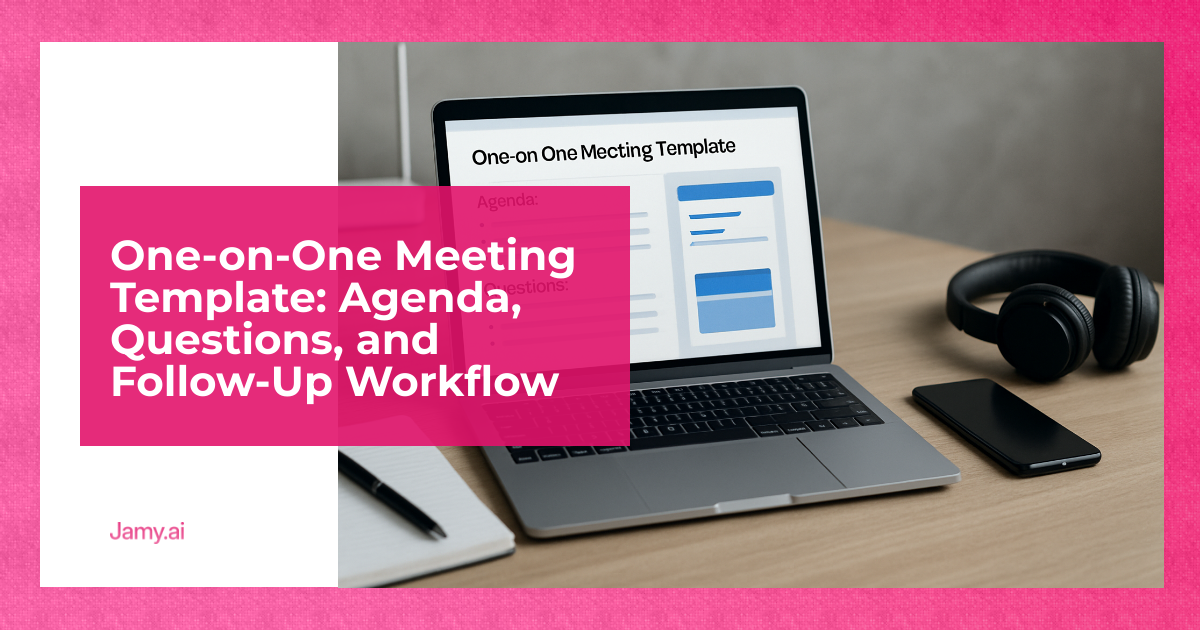
The One On One Meeting Template (Copy And Paste)
Use this one on one meeting template as a default. It’s designed for busy operators: short, concrete and easy to review later. Keep the same structure each time so you can spot patterns.
30-Minute Weekly Or Fortnightly Agenda
0–3 mins: Set context
- What’s the single most important outcome for you between now and next 1:1?
- Any urgent time-sensitive issue to cover today?
3–15 mins: Work and blockers
- Top 1–3 priorities, what’s on track, what’s not.
- Blockers you need help removing (people, decisions, budget, time).
- Risks for the next 7–14 days.
15–23 mins: Decisions and trade-offs
- Any decision you need from me? What options have you considered?
- What are we saying ‘no’ to this week so we can say ‘yes’ to the right thing?
23–28 mins: Development and support
- Where do you feel stuck or underpowered (skill, context, access)?
- What would make next week easier or faster?
28–30 mins: Actions and recap
- Confirm actions with owner and due date.
- Confirm any decisions made.
45-Minute Monthly Agenda (For Bigger Topics)
Use this when you want to zoom out. Keep the weekly 30-minute cadence for execution, then use this monthly slot for deeper review.
- Wins and misses: what worked, what didn’t, what to change next month.
- Workload check: what’s too much, what’s not enough, what to stop.
- Stakeholders: where relationships are improving or getting tense, and why.
- Growth plan: one skill to build, one opportunity to take, one thing to practise.
Question Bank By Situation (Pick 3, Don’t Spray 20)
Good 1:1 questions are specific and observable. Avoid ‘How’s everything?’ unless you’ve got time to handle an honest answer. Choose a few prompts that match the week you’re in.
Delivery And Blockers
- What’s the earliest point this could slip, and what would cause that?
- Which dependency is most likely to fail, and what’s your back-up plan?
- If you had 4 hours of my time this week, where would you spend it?
Quality, Customers And Outcomes
- What feedback did you hear that we should act on this month?
- Where are we over-promising or under-explaining?
- What would you change in our process if you owned it end to end?
Wellbeing And Sustainability
- What part of your week is draining energy, and what part gives energy?
- What are you carrying that I don’t see?
- What would a ‘good’ next two weeks look like for you?
Follow-Up Workflow That Stops Actions Dying
This is the bit most teams miss. A 1:1 without follow-up becomes theatre. The workflow below keeps it light while still making accountability real.
Step 1: Capture in the room (2 minutes)
- Write actions as: Verb + outcome + owner + due date.
- Write decisions as: Decision + why + any guardrails.
Step 2: Publish a short recap (same day)
- Send the recap to the direct report and, where relevant, a shared team space.
- Keep it to: decisions, actions, risks, asks.
Step 3: Put actions where work lives
- If your team runs on a ticket system, create tickets.
- If you run on a CRM, log follow-ups against the right record.
- If you run on a task list, add tasks with dates and reminders.
Step 4: Start next 1:1 with the action list (5 minutes)
- Review last time’s actions first, then move on.
- If an action slipped, decide: drop it, re-scope it or re-date it.
If you want the admin to shrink, use a system that drafts notes and actions, then you review and edit. An AI meeting notes workflow is useful when it includes clear review points and doesn’t hide the source conversation.
Notes Format You Can Search Later
Whether you use a doc, your HR system or a shared wiki, the format matters more than the tool. Here’s a simple structure that works for managers, revenue teams and project leads.
Copy-paste notes template
- Date:
- Attendees:
- Context: (1–2 lines)
- Progress since last 1:1:
- Blockers:
- Decisions:
- Decision, why, guardrails
- Actions:
- Action, owner, due date
- Risks: (what might go wrong before the next meeting)
- Manager follow-ups: (things you owe them)
For distributed teams, add one more line: ‘What I’m telling the rest of the team’. It reduces misreads and stops people being surprised later.
If you’re working across languages, look for multilingual meeting summaries that keep names, numbers and decisions accurate, and make it easy to correct mistakes before sharing.
Recording, Consent And Data (Information Only)
Some teams record 1:1s for accuracy, others avoid it for trust and privacy reasons. If you do record, be explicit: tell people, state the purpose, restrict access and set retention. UK teams should understand their obligations under UK GDPR and related guidance from the Information Commissioner’s Office (ICO): UK GDPR guidance and resources.
Information only: this is general information, not legal advice. If you operate across countries, rules can vary and it’s worth checking your internal policy and local requirements.
Conclusion
A solid 1:1 is mostly mechanics: a consistent agenda, a small set of good questions and follow-through you can trust. Start with the template, run it for four cycles, then adjust based on what actually changed: fewer surprises, faster decisions and cleaner ownership. If you can’t see the actions and decisions a week later, the meeting didn’t really happen.
Key Takeaways
- A one on one meeting template works best when it stays consistent week to week.
- Capture decisions and actions in a standard format with an owner and due date.
- Start the next 1:1 by reviewing last time’s actions to keep accountability real.
FAQs For One-On-One Meetings
How often should a 1:1 happen?
Weekly is common for fast-moving work or new starters, and fortnightly can work for stable roles with clear execution. If you’re often surprised by progress, you need them more frequently, not longer.
What if the 1:1 turns into a status update?
Move routine status into an async update, then use the 1:1 for blockers, decisions and feedback. Start with last time’s actions so you don’t drift into a news report.
Should managers share 1:1 notes with others?
Share decisions and actions that affect the wider team, keep sensitive personal topics private. A good rule is: if it changes priorities, timelines or commitments, it should be visible to the people impacted.
How do I keep follow-ups from becoming extra admin?
Keep recaps short and push actions into the system you already use for work. Tools that draft notes and action items can help, as long as you review before sending and keep a clear audit trail.
If you want to reduce the write-up work without losing control: Jamy.ai can help you produce consistent recaps, action lists and searchable summaries with human review built in. Explore the meeting notes and action items, see how automated follow-up summaries fit into your weekly rhythm, or use the AI meeting assistant for teams to keep decisions and owners visible.