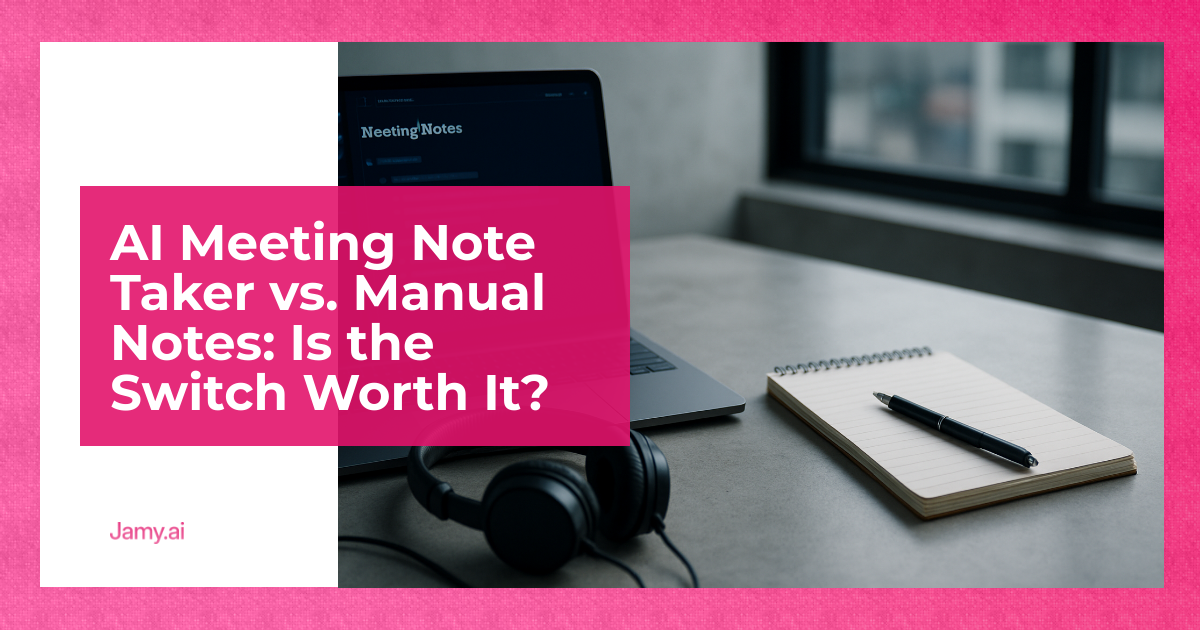

If you run a business, meetings are already expensive. What makes them worse is the admin tail: notes scattered across docs, action items lost in Slack, and a CRM that’s ‘basically right’ until it matters. This ai meeting note taker comparison isn’t about tech enthusiasm, it’s about whether you can get cleaner decisions and faster follow-through with less chasing. AI note takers can help, but only if you treat them like a system you control, not a magic recorder. The good news is you can trial the switch without betting your process on it.
In this article, we’re going to discuss how to:
- Decide when manual notes are good enough and when they’re a hidden tax
- Evaluate AI note takers using criteria that map to real operational outcomes
- Roll out an AI note-taking workflow with clear owners, review points and measurable time saved
Key Takeaways
- Manual notes fail most often at consistency and follow-through, not effort.
- AI note takers save time only when you standardise outputs: summaries, decisions, owners and due dates.
- The safest switch is a two-week parallel run with human review, then tighter automation.
AI Meeting Note Taker Comparison: What Actually Changes?
Manual notes are a person doing three jobs at once: listening, deciding what matters and writing it down. That’s hard in a calm meeting and worse in a fast sales call or a multi-stakeholder delivery sync.
An AI meeting note taker, in plain terms, records audio (with permission), generates a transcript (a word-for-word record) and produces a structured summary. The value isn’t ‘more notes’. It’s a repeatable format that can feed follow-ups, project plans, hiring scorecards and CRM fields with less human stitching.
So the real question is not ‘AI vs humans’. It’s: can you move from informal, variable documentation to a controlled workflow where meetings reliably turn into actions, and actions reliably turn into outcomes?
The Real Cost Of Manual Notes (And Why It Shows Up Later)
Manual notes work surprisingly well when the same person attends every meeting, decisions are simple and the team is small. They break when complexity rises and you’re running calls back-to-back.
Common failure modes I see in SMEs:
- Selective capture: people write what they think matters, which often differs from what the next person needs.
- Delayed write-up: notes get typed up ‘later’, then later becomes never, or becomes a vague paragraph with no owners.
- Weak audit trail: nobody can answer, ‘When did we agree that, and why?’
- CRM drift: the call happened, the pipeline moved in someone’s head, and the CRM becomes a polite fiction.
The killer is context switching. If a one-hour meeting creates 15 minutes of admin per attendee, the cost isn’t just time. It’s fragmented attention, missed actions and uneven decision quality across teams.
What An AI Note Taker Gets Right (When Set Up Properly)
When you implement it well, AI note taking does three useful things.
1) It standardises the artefact. You can require the same sections every time: agenda, decisions, action items with owners and due dates, risks and open questions. That makes notes searchable and comparable across weeks, projects and accounts.
2) It reduces meeting ‘documentation debt’. You still review, but you stop rewriting. A good workflow is: AI drafts, human confirms, system files.
3) It helps distributed teams. If you’re async across time zones, a consistent summary and action list can replace long catch-up calls, or at least shorten them.
If you want a practical starting point, build your process around a single artefact: a structured summary plus action items. Tools like an AI meeting notes workflow can make that repeatable across sales, delivery, hiring and internal ops without relying on one ‘good note-taker’.
Where AI Note Takers Go Wrong: Failure Modes To Plan For
AI note takers are not neutral. They make trade-offs. If you don’t plan for the failure modes, you’ll end up doing more work, not less.
Accuracy is uneven. Names, numbers, technical terms and acronyms are the first to go wrong. That’s manageable if you review, but dangerous if you push outputs straight into a CRM or a client email.
Summaries can sound confident while missing nuance. In hiring and performance conversations, nuance is the point. Treat summaries as drafts and keep transcripts available for spot checks.
Over-collection is a real risk. Recording everything ‘just in case’ creates retention, access and discovery problems later. Decide what you will record, where it’s stored, who can see it and how long you keep it.
Adoption fails when outputs don’t match existing habits. If your team lives in a CRM, a project tool, or a shared doc, your note workflow has to land there in a usable format. Otherwise it becomes another place to check.
A Criteria-Based Comparison Table
This is the simplest ai meeting note taker comparison that maps to operator outcomes. Use it to decide what to trial and what to ignore.
| Approach | What You Get | Where It Works Best | Typical Cost Profile |
|---|---|---|---|
| Manual notes (one person writes) | Selective notes, personal shorthand, variable structure | Small teams, low meeting volume, stable context | Time cost each meeting, quality depends on the note-taker |
| Manual notes (shared template) | More consistent sections, clearer actions | Teams willing to stick to a format | Low tooling cost, ongoing discipline required |
| AI meeting note taker (AI draft, human review) | Transcript, structured summary, action items, searchable history | Sales calls, discovery, delivery updates, recurring rituals | Subscription per seat, plus a few minutes of review per meeting |
| AI meeting note taker (automated downstream updates) | Notes plus pre-filled follow-ups, tasks, CRM fields | High volume teams with clear process and ownership | Subscription, setup time, occasional QA and fixes |
A Simple Switching Plan (Two Weeks, Low Risk)
If you’re sceptical, good. Run a parallel test and measure outcomes. Here’s a plan that won’t blow up trust.
Week 1: Parallel Run With Tight Review
Goal: prove whether AI drafts reduce admin without lowering quality.
- Pick 10 meetings across two use cases (for example: sales discovery and delivery handovers).
- Define a note format with five fields: Summary, Decisions, Action items (owner, due date), Risks, Open questions.
- Assign an owner per meeting who must approve the summary within 24 hours.
- Keep manual notes in parallel for comparison, but time-box them to 5 minutes after the meeting.
Measure: minutes spent on write-up, number of action items with owners and due dates, and number of ‘what did we agree?’ follow-ups during the week.
Week 2: Reduce Double Work, Standardise Outputs
Goal: move to one source of truth and stop rewriting.
- Drop parallel manual notes for the meetings that passed review.
- Create two templates: one for customer calls, one for internal ops.
- Introduce a light QA habit: one random transcript spot check per day.
If you want to turn this into a repeatable process quickly, you can standardise templates and outputs using automated action items from meetings, then decide which parts stay human-led.
Recording, Consent And Data Handling (General Guidance)
Recording meetings and calls has compliance and trust implications. The basics are straightforward: tell people, get appropriate permission where needed, store data securely, limit access and keep it only as long as you have a reason.
In the UK and EU context, you generally need a lawful basis to process personal data under the GDPR. The actual basis depends on your situation, and you should document your reasoning. See the UK GDPR principles and lawful bases for processing for reference: ICO lawful basis guidance and the text of the UK GDPR via the ICO: UK GDPR guidance.
Also check your meeting platform’s recording indicators and consent features. For example, Zoom’s documentation covers recording notifications and settings: Zoom recording and consent settings, and Microsoft provides guidance on Teams recording and transcription: Microsoft Teams recording.
Information only: This section is general information, not legal advice. If you operate in regulated sectors or across multiple countries, get proper guidance and document your process.
Conclusion
If your meeting outcomes are already reliable, a manual system with a strict template might be enough. If you’re seeing dropped actions, messy handovers, inconsistent CRM updates or too much admin time, an AI note taker can be worth it, but only with review and clear standards. Treat it as a controlled process change, not a tool install.
Key Takeaways
- Manual notes fail on consistency and ownership more than effort.
- AI notes work best when you enforce a standard structure and a 24-hour review rule.
- Run a two-week trial, measure time saved and follow-through, then automate carefully.
FAQs For AI Meeting Note Taker vs. Manual Notes
Does an AI meeting note taker replace a human note-taker?
No, it replaces most of the drafting and formatting. You still need a human to confirm decisions, correct names and numbers and make sure action items have clear owners and dates.
How do I know if I’m ready to switch from manual notes?
If you regularly chase actions after meetings, repeat the same discussions or find gaps in your CRM, you’re ready for a trial. If your meetings are rare and low-stakes, a strict template may be enough.
What should I review before sending AI-generated notes to a client?
Check commitments, dates, prices, names and any ‘next step’ wording that could be interpreted as a promise. Keep the tone consistent with how your team writes and remove anything that wasn’t agreed.
Is recording always required for AI meeting notes?
Many tools rely on recording to create transcripts and summaries, though some can work from live captions depending on the platform. Either way, you should make recording behaviour explicit and align it with your consent and retention process.
Practical Next Step With Jamy.ai
If you want to test this without creating another messy knowledge base, keep it simple: standard templates, fast review and outputs that land where your team already works. Jamy.ai is built for teams that want usable meeting artefacts, not more noise.
- Get consistent meeting summaries your team can skim in 60 seconds
- Create multilingual meeting summaries to reduce miscommunication across regions
- Generate CRM-ready call notes and action lists with clear ownership