
In-person meetings still decide budgets, hires and delivery dates, but the notes often end up as half a page of fragments. Someone misses an action, someone else remembers it differently and the follow-up email goes out late or not at all. An ai meeting note taker for in-person meetings can reduce that mess, if you treat it as a system with clear owners and review points. The aim is simple: capture what was said, agree what happens next and get it into the tools you already run.
Used badly, it’s just another recording you never listen to. Used well, it’s a repeatable workflow that saves time and reduces rework.
In this article, we’re going to discuss how to:
- Set up reliable audio capture for in-person meetings without turning the room into a studio
- Run a review-and-send workflow that produces accurate summaries, decisions and action items
- Choose tools based on constraints like privacy, languages, integrations and cost control
What An AI Meeting Note Taker For In-Person Meetings Actually Does
At a practical level, these tools do four jobs:
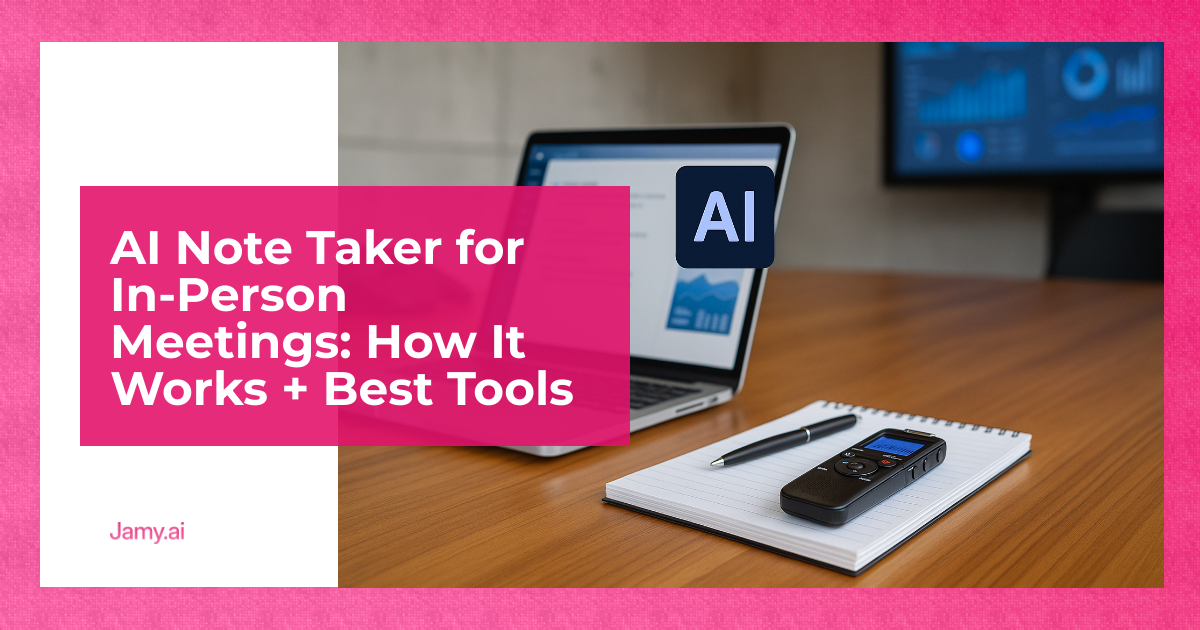
- Capture audio: usually via a phone, laptop microphone, or a dedicated recorder.
- Transcribe: speech-to-text turns the audio into a time-stamped transcript.
- Summarise: a model turns the transcript into structured notes (agenda, decisions, risks, next steps).
- Route outputs: actions into a task system, notes into a doc, and deal details into a CRM.
The operator’s question is not ‘does it work?’ but ‘does it work in our rooms, with our accents, with our background noise, and with our compliance expectations?’
How It Works In Practice
Most failures happen before the AI touches anything. The bottleneck is audio quality, not summarisation.
Audio Capture: The Unsexy Bit That Matters Most
For in-person meetings, you normally have three capture options:
- Single device in the middle: simplest, lowest cost, best for small rooms.
- Laptop at the table edge: workable, but fans and keyboard noise can hurt results.
- External mic: best consistency in larger rooms, more kit to manage.
Rule of thumb: if you can’t hear every speaker clearly on playback, the transcript will be patchy and the summary will invent structure where it’s missing.
Transcription And Summaries: What To Expect
Transcription systems typically produce a speaker-labelled transcript (where possible), then generate a summary, action items and sometimes ‘decision’ statements. Treat those outputs as a draft that needs human sign-off, especially for numbers, dates, pricing and commitments.
If you’re working across languages, check whether the tool supports both transcription and summarisation in the same language pair. Many tools can translate text, fewer can keep names, product terms and numbers consistent. When you need a repeatable format across teams, a template-driven summary is more useful than a free-form paragraph.
A Rollout Workflow You Can Run This Week
This is the simplest workflow I’ve seen teams stick to. It keeps the AI useful while keeping accountability with humans.
Before The Meeting (2 Minutes)
- Pick one note owner and one decision owner (often the chair).
- Write a one-line purpose: ‘Decide X’, or ‘Surface risks for Y’.
- Get consent to record if required (see the section on consent below).
During The Meeting (Zero Extra Work)
- Start recording early, stop late.
- When a decision lands, restate it once in plain language. The transcript will thank you.
- If you assign an action, say the owner and date out loud.
After The Meeting (10 Minutes, Not 60)
- Skim the summary, then cross-check any numbers, dates and names against the transcript.
- Turn action items into tasks with an owner and due date, then send a short recap email.
- File the notes where the team already looks, not in a new tool nobody opens.
If you want a consistent structure without spending time formatting, a purpose-built notes workflow like Jamy’s AI meeting notes workflow can help you standardise outputs across sales calls, delivery reviews and hiring panels.
Recording, Consent And Data Handling (Information Only)
Recording people in a room can trigger privacy, employment and data protection obligations. What’s ‘normal’ varies by country and sometimes by sector. Keep it boring and consistent: tell people you’re recording, why you’re recording, where it will be stored, who can access it and how long you keep it.
In the UK, the ICO has general guidance on recording calls and handling personal data, which is a useful starting point even for in-person audio: ICO guidance. If you operate under GDPR, remember that voice recordings and transcripts can be personal data: GDPR text.
Information only: this isn’t legal advice. If your meetings involve sensitive categories of data, regulated industries, or employee monitoring concerns, get proper guidance and set a written policy.
Best Tools For In-Person AI Meeting Notes (Criteria-Based)
Below is a practical comparison. For in-person use, ‘works with a phone in a noisy room’ matters more than fancy dashboards.
| Tool | Best For | In-Person Fit | Notable Features | Pricing |
|---|---|---|---|---|
| Jamy.ai | Operators who want consistent notes, actions and follow-ups | Good when you need structured outputs and repeatable templates | Structured summaries, action items, workflow-friendly outputs | Paid plans (see pricing details) |
| Otter.ai | Fast transcription and searchable notes | Often used for in-person via mobile recording | Live transcription, speaker identification, exports | Free tier and paid plans (see pricing) |
| Fireflies.ai | Meeting capture plus integrations | Common for online meetings, can also support uploads and apps depending on setup | Search, topics, integrations, exports | Free tier and paid plans (see pricing) |
| Notta | Multilingual transcription on the go | Strong for phone-led recording in person | Transcription, translation options, exports | Free tier and paid plans (see pricing) |
| Microsoft Copilot (Microsoft 365) | Teams-first organisations | Best when meetings are already in Teams, in-person capture varies by room setup | Meeting recap in Teams, summaries, task cues | Paid add-on/licensing (see product page) |
One honest point: there isn’t a single ‘best’ option for every room. Your constraints decide it: how noisy the room is, how often you meet, how sensitive the content is, and whether you need outputs to land in a CRM or project tracker the same day.
Selection Checklist For Operators
Use this checklist before you commit to any ai meeting note taker for in-person meetings:
- Capture reliability: can you record clean audio on your actual devices, in your actual rooms?
- Speaker handling: does it separate speakers well enough to assign actions with confidence?
- Templates: can you enforce a consistent format (decisions, risks, actions, owners, due dates)?
- Language support: can it transcribe and summarise in the languages you use, not just translate after?
- Export and integrations: can you push outputs into your CRM, docs or task tool without copy-paste?
- Access control: can you limit who sees recordings, transcripts and summaries?
- Retention: can you set deletion rules that match your policy?
- Review points: can a human quickly check the draft before it goes to clients or candidates?
If your biggest pain is follow-up quality and CRM hygiene, prioritise the systems that turn conversations into structured fields and actions. That’s where time gets saved. For teams building a standard approach, you can also look at multilingual meeting summaries to reduce misinterpretation across regions.
Conclusion
An AI note taker in a meeting room is only as good as the capture setup and the workflow around it. Keep the system simple: one owner, one template, one review step, then publish the notes where the work happens. If you do that, you get fewer ‘I thought you meant…’ moments and more meetings that actually move things forward.
Want a repeatable setup? Explore Jamy for structured AI meeting notes, see how automated action items can fit into your follow-up process, or review meeting summaries for distributed teams to keep decisions consistent across time zones.
Key Takeaways
- In-person note taking fails mostly due to poor audio and unclear ownership, not the AI model.
- The safest workflow is draft notes plus a quick human review for numbers, dates and commitments.
- Choose tools on room reality: capture reliability, templates, language support, exports and retention.
FAQs For AI Note Takers In In-Person Meetings
Do I need a dedicated microphone for an in-person AI note taker?
Not always. Start with a phone in the centre for small rooms, then upgrade to an external mic only if you consistently miss speakers or key phrases.
How do I stop AI meeting notes from becoming ‘yet another document’?
Decide where notes live and don’t vary it. Make the recap actionable by listing decisions and tasks with owners and dates, then link it to the existing workflow.
Is it legal to record in-person meetings?
It depends on where you operate and the context, and you should set a clear policy. As a general practice, tell participants you’re recording, why, how it will be used and how long it will be kept.
What’s the fastest way to improve transcript accuracy in a noisy room?
Improve capture first: move the device closer, reduce table noise and ask people to speak one at a time for decisions and action assignments. Then add a short human check to correct names, numbers and dates before sending anything out.